Lighting and Shadows
Directional, Point, Spot — and why static light can be "baked" in advance.
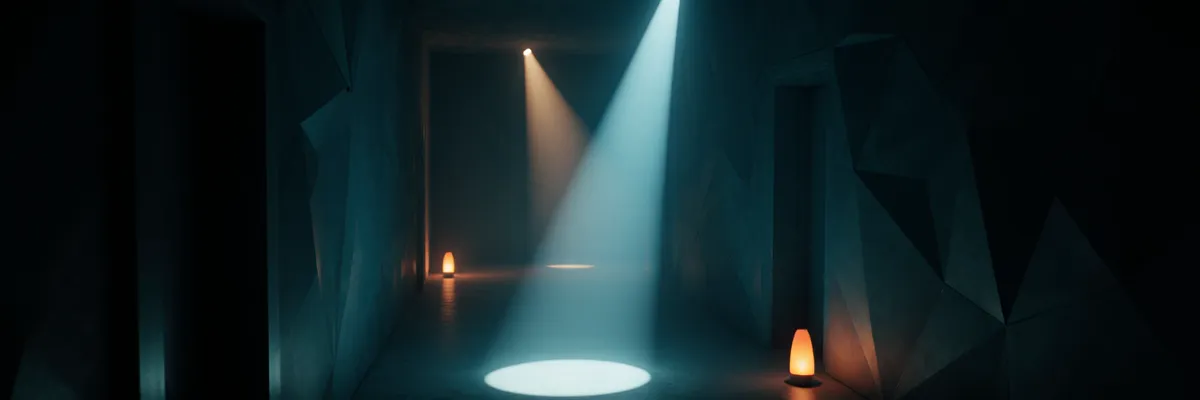
Light in a 3D scene is what turns geometry from a flat silhouette into a three-dimensional picture. Unity supports realtime and baked lighting, and in a real project they are combined.
Types of light sources
- Directional Light — the sun. An infinitely distant source of parallel rays. One per scene is usually enough.
- Point Light — a light bulb. Light in all directions from a point, with a falloff radius.
- Spot Light — a flashlight. A cone from a point, with an angle and radius.
- Area Light — a rectangular/disc source for baking (in realtime — only in HDRP).
Every Light has a color, an intensity (in lumens or unitless — depends on the pipeline) and a mode: Realtime, Mixed or Baked.
Realtime, baked and mixed
| Mode | When it is computed | Cost | Use |
|---|---|---|---|
| Realtime | Every frame | High | Moving sources, time of day |
| Baked | Once in the editor | Zero at runtime | Static architecture, interiors |
| Mixed | Direct — realtime, indirect — baked | Medium | The main sunlight, dynamic shadows |
In most projects the main directional light is set to Mixed mode: direct shadows are dynamic, indirect lighting and shadows from static geometry are baked. This is the best balance of quality and performance.
Baked GI and Light Probes
Global Illumination (GI) is about indirect lighting: light reflected off walls and floors. In Unity, GI is baked through the Progressive Lightmapper (CPU or GPU). The result is lightmap textures for static geometry.
Lightmaps are not suitable for dynamic objects — they move. Instead, Light Probes are used: a grid
of lighting “samples” placed in the scene (the LightProbeGroup component). A dynamic object
interpolates lighting from the nearest probes.
In Unity 6 (URP/HDRP 17+) Adaptive Probe Volumes (APV) appeared — an automatic probe grid with
variable density (more probes in detailed areas). You don’t need to place a LightProbeGroup by hand.
Activation for URP: Edit → Project Settings → Quality → double-click the active URP Asset → Lighting section → Light Probe Lighting → Light Probe System: Adaptive Probe Volumes. Baking
spacing is in Window → Rendering → Lighting → Adaptive Probe Volumes (a separate tab). For new
projects — the standard choice.
Baking (roughly):
  1. Mark static objects as "Static" → Contribute GI.
  2. Place Light Probes in the needed areas (where dynamic objects may be).
  3. Window → Rendering → Lighting → Generate Lighting.
  4. Wait from minutes to hours depending on the scene.
Reflection Probes — the same thing for reflections. Spherical or box-projected environment maps from which materials (especially metallic ones) learn what to reflect.
Shadows
Every Light has shadow parameters:
- Shadow Type —
No Shadows/Hard Shadows/Soft Shadows. - Shadow Resolution — the shadow map resolution.
- Shadow Strength / Bias / Normal Bias — tuning artifacts (acne, peter-panning).
Realtime shadows are one of the most expensive things in a frame. On mobile, all shadows are often disabled except one from the directional light, and even that with a small shadow distance (URP lets you configure cascaded shadows and their range).
A Light Cookie is a texture projected through a light source (like a film projector’s stencil). Useful for nice patterns from foliage. But it is an extra sampler in the shader — on weak hardware, avoid it.
Skybox and Ambient
Skybox — the background in the far field, usually a cubemap. It also serves as a source of ambient lighting: even without direct sources the world will not be in total darkness. Configured in Window → Rendering → Environment:
- Skybox Material — a material of type Skybox/Cubemap or Skybox/Procedural.
- Source for Environment Lighting: Skybox / Gradient / Color.
- Intensity Multiplier — how brightly the environment lights the scene.
A good technique for an outdoor scene is an HDRI cubemap from a real photosphere (there are libraries of free HDRIs, for example PolyHaven). An HDRI sets both the background and the overall lighting at once.
What usually “breaks” lighting for a beginner
- Too many Point Lights in realtime. In the URP forward renderer each light adds cost to every visible object. Limit it to 4–8 active ones; the rest should be baked or disabled by distance.
- All objects are non-static, so GI does not work. Mark static geometry as Static and bake.
- Auto Generate is enabled on large scenes. This recomputes GI after every change — slow. Disable it and bake manually via “Generate Lighting”.
- No Light Probes in areas with dynamic objects — they look unlit or flat.
In the next chapter — animation: how your character moves.